01
The Family Archive
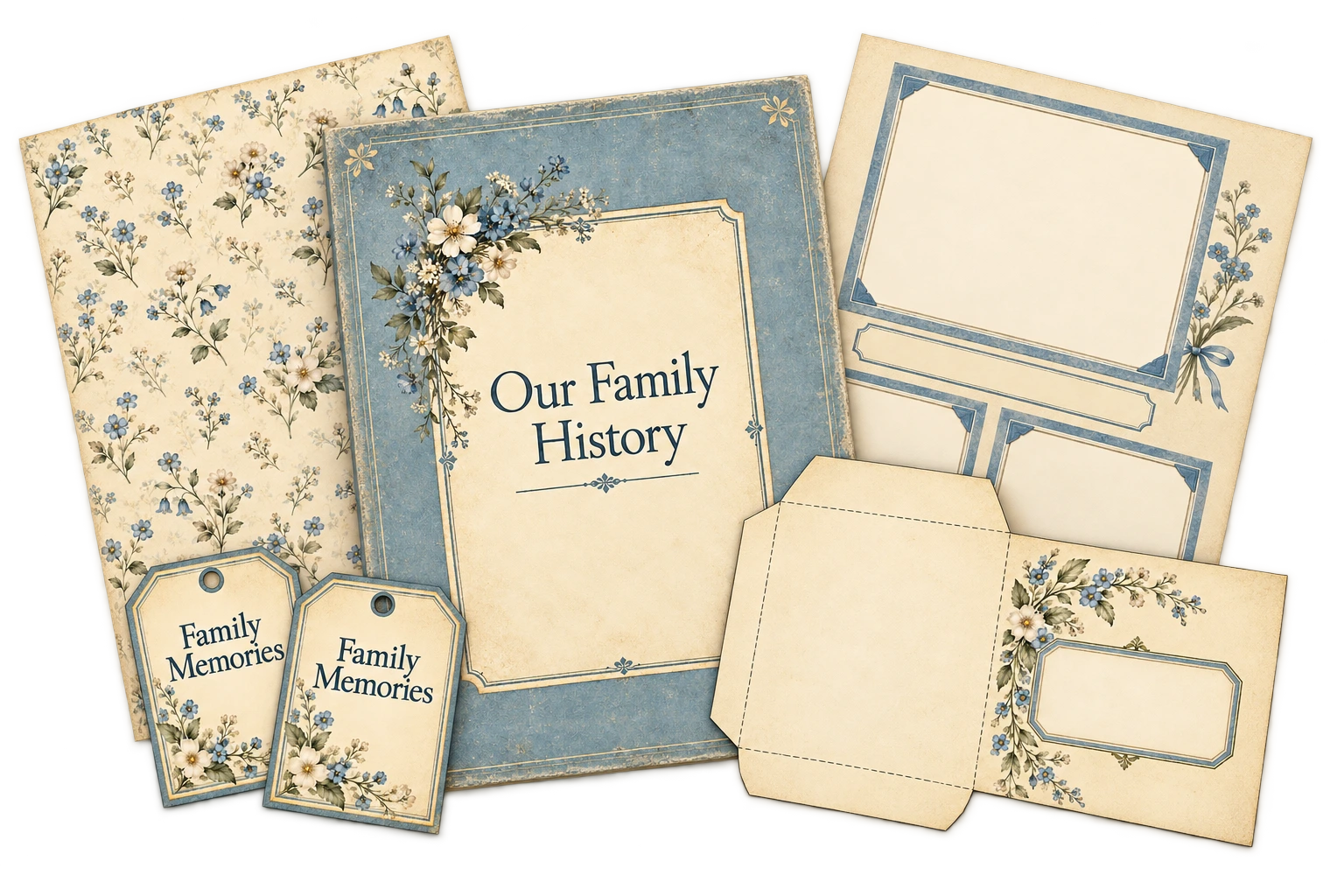
Soft colors and delicate botanical details for family-history albums, photo pages and keepsake papers. Four palettes, including Soft Blue and Archive Green.

For Printable Sellers and Digital Product Creators
Build your own coordinated family-history albums, papers and keepsake kits with nine distinctive looks and easy-to-customize AI prompts.
From an heirloom album with delicate botanical details to elegant Art Deco stationery or a cheerful mid-century memory kit, Genealogy Collection Studio helps you carry your chosen look across the pieces you create.
Choose your collection, customize your printable and copy the finished prompt into your AI image tool.
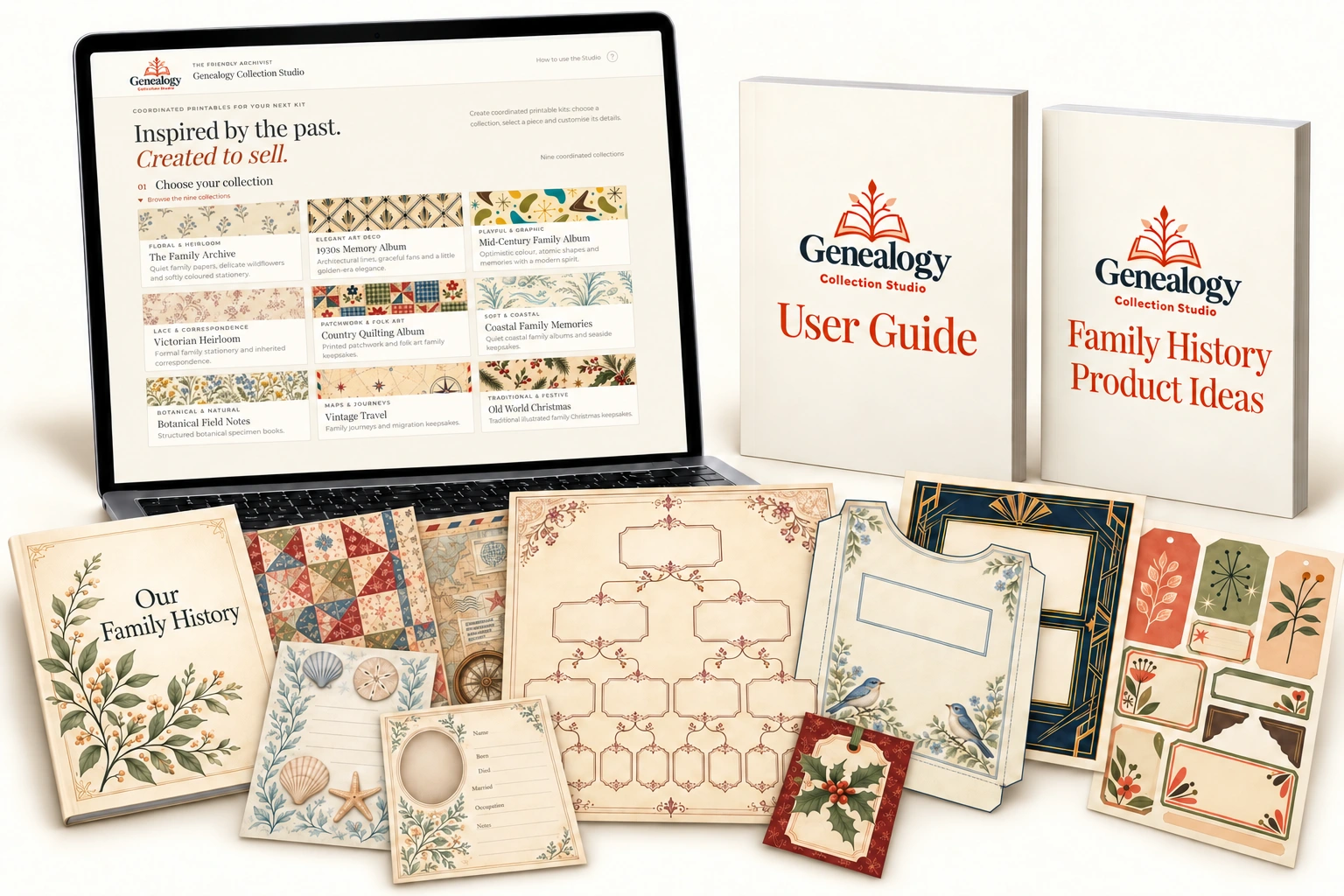
A family-history album becomes more inviting when its cover, photo pages and ancestor records share the same look. Add matching papers, labels, tags and pockets, and you have the makings of a keepsake kit your customers can fill with their own stories.
With Genealogy Collection Studio, you can start with a few coordinating pieces or develop a larger collection. Package them as an album kit, a printable paper pack, a set of genealogy records or smaller complementary products for your shop.
You choose the colors, motifs and details. The Studio assembles the prompts, helping you give each piece its own purpose while keeping the collection connected.
Genealogy Collection Studio is a browser-based tool that helps you create detailed AI image prompts for coordinated family-history printables.
Instead of writing each prompt from scratch, you choose the piece you want to make and customize it using straightforward options. Your prompt updates as you go, combining your collection’s visual style with the details that particular printable needs.
Choose how many photographs a page should hold, which information spaces an ancestor profile needs, or the exact wording for a label. Create patterned papers for layering and quieter papers with plenty of room for writing.
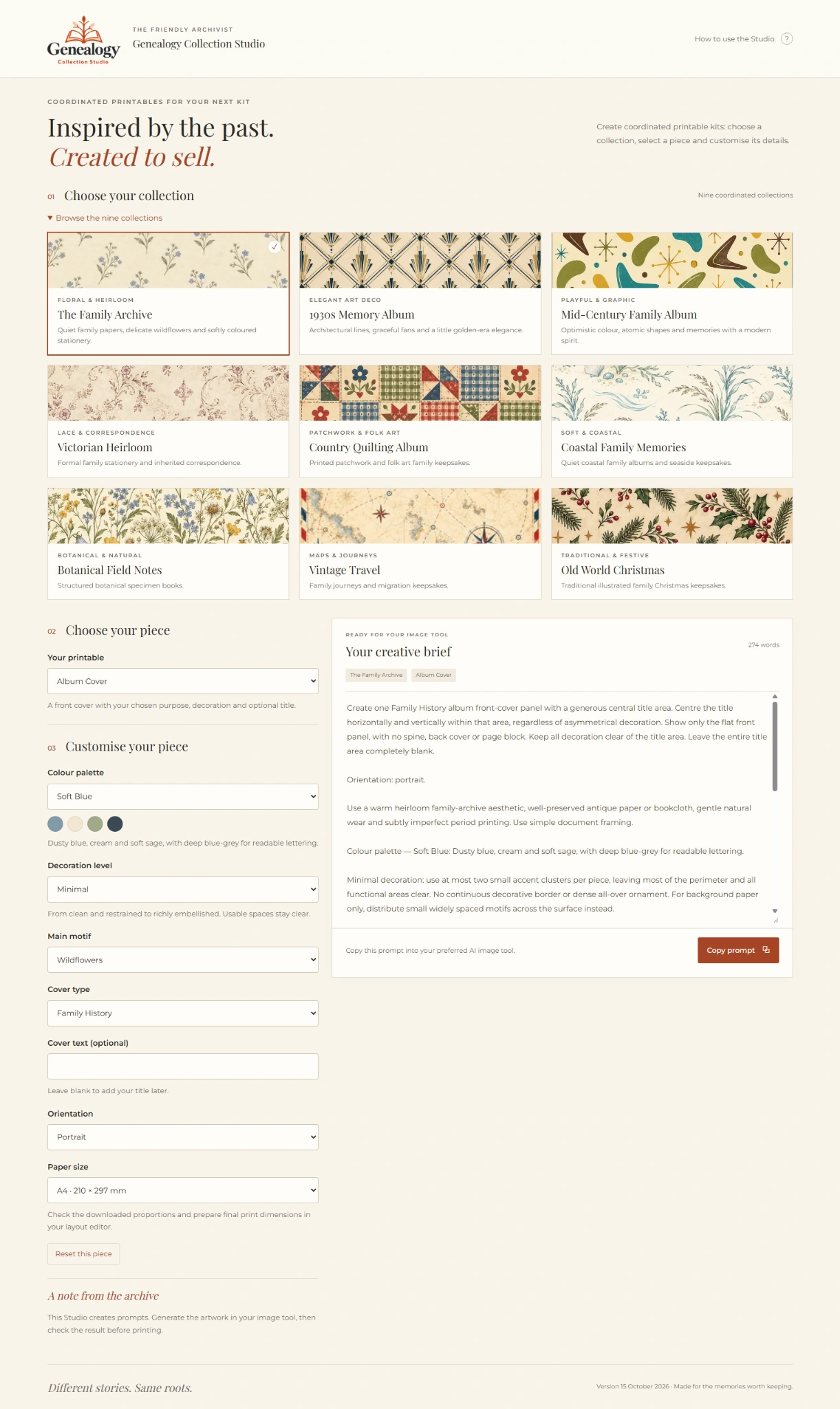
Find your next creative direction
Choose from nine distinctive looks, with 28 palette choices across the collections and decorative options you can use across all twelve printable types.
Soft colors and delicate botanical details for family-history albums, photo pages and keepsake papers. Four palettes, including Soft Blue and Archive Green.
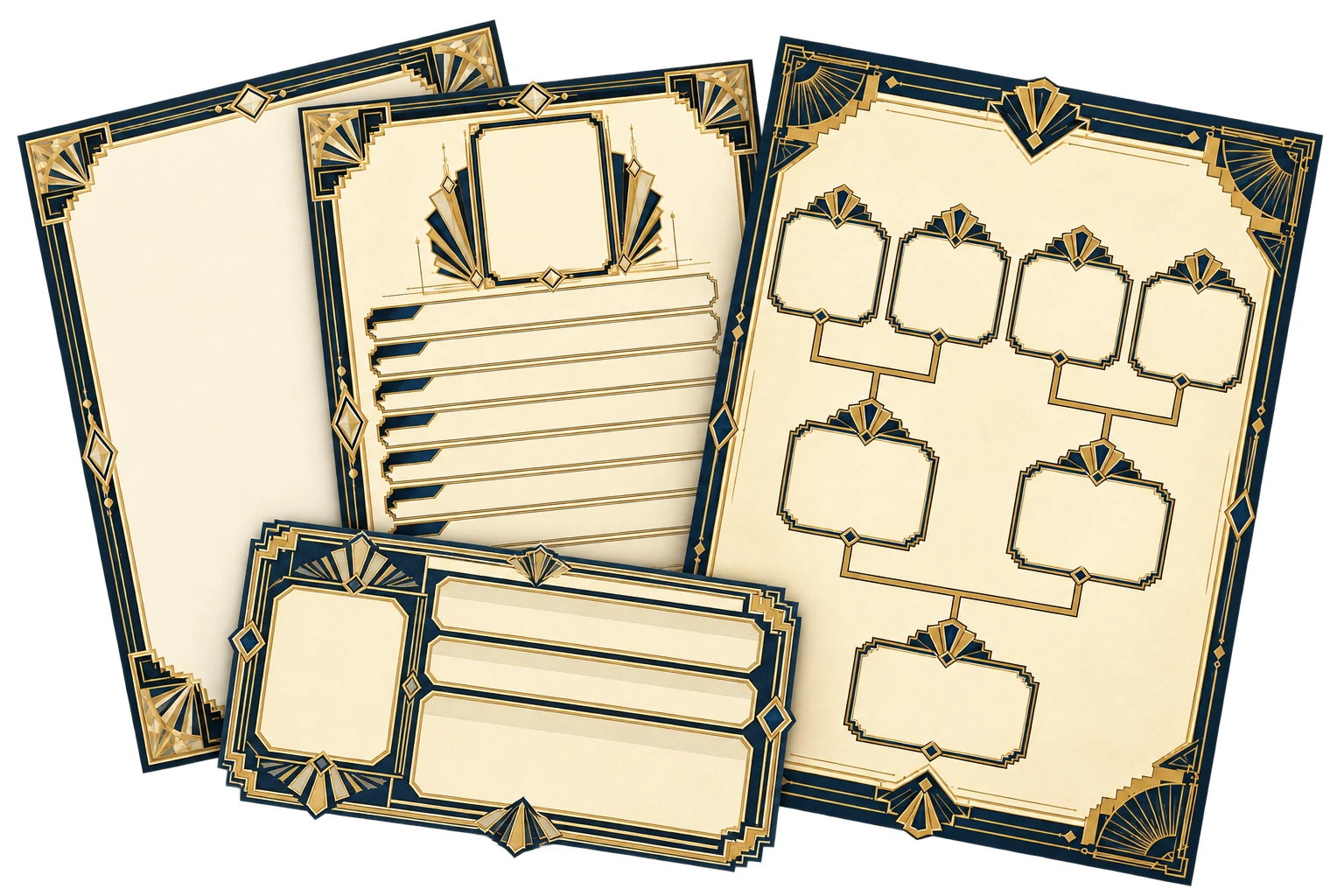
Architectural lines and Art Deco elegance for ancestor records and period albums. Choose Midnight & Gold, Peach & Mint or Platinum Blue.
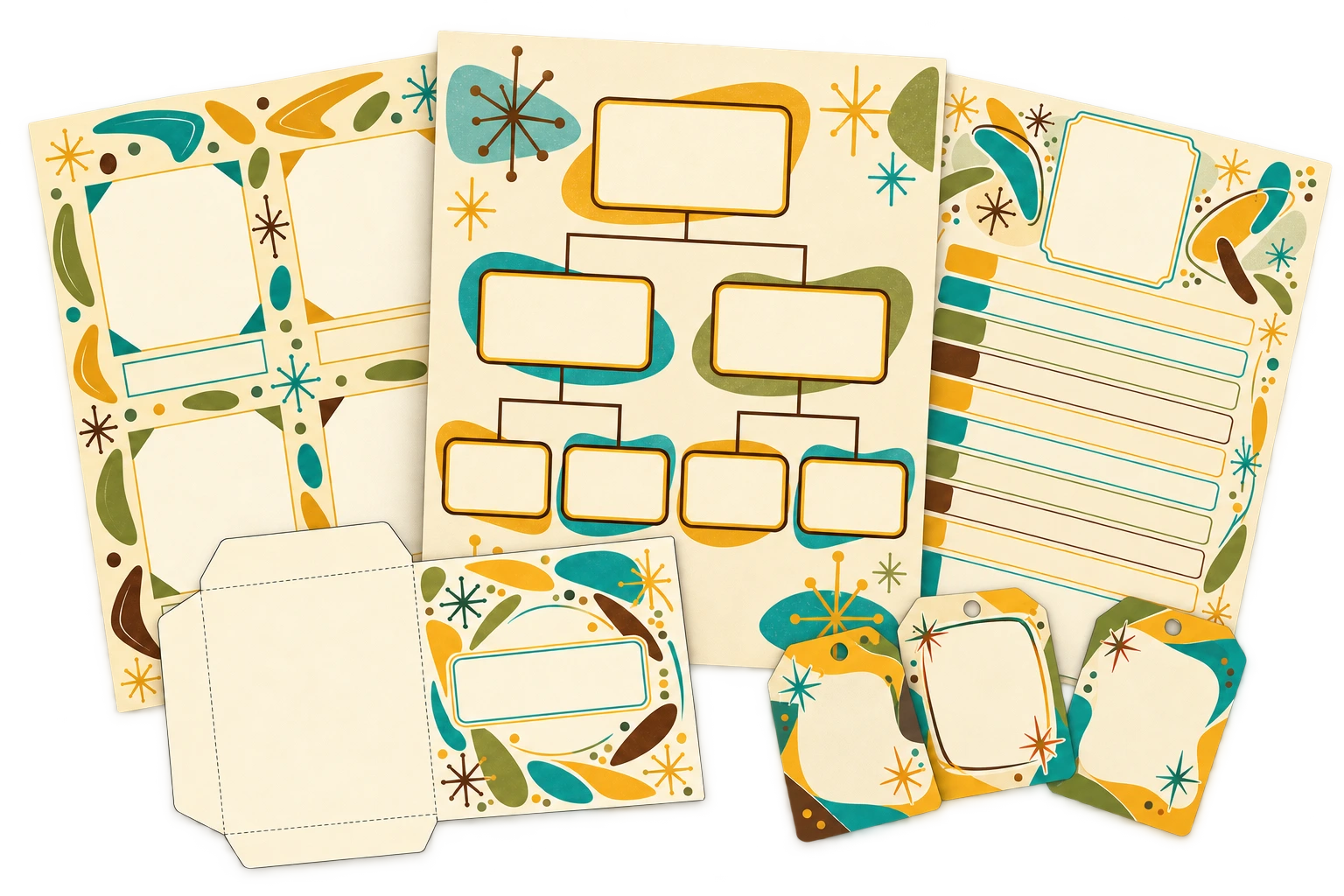
Playful shapes and optimistic 1950s–1960s color for family trees, memory albums and scrapbook kits. Three palettes, from mustard and teal to dusty blue and rose.
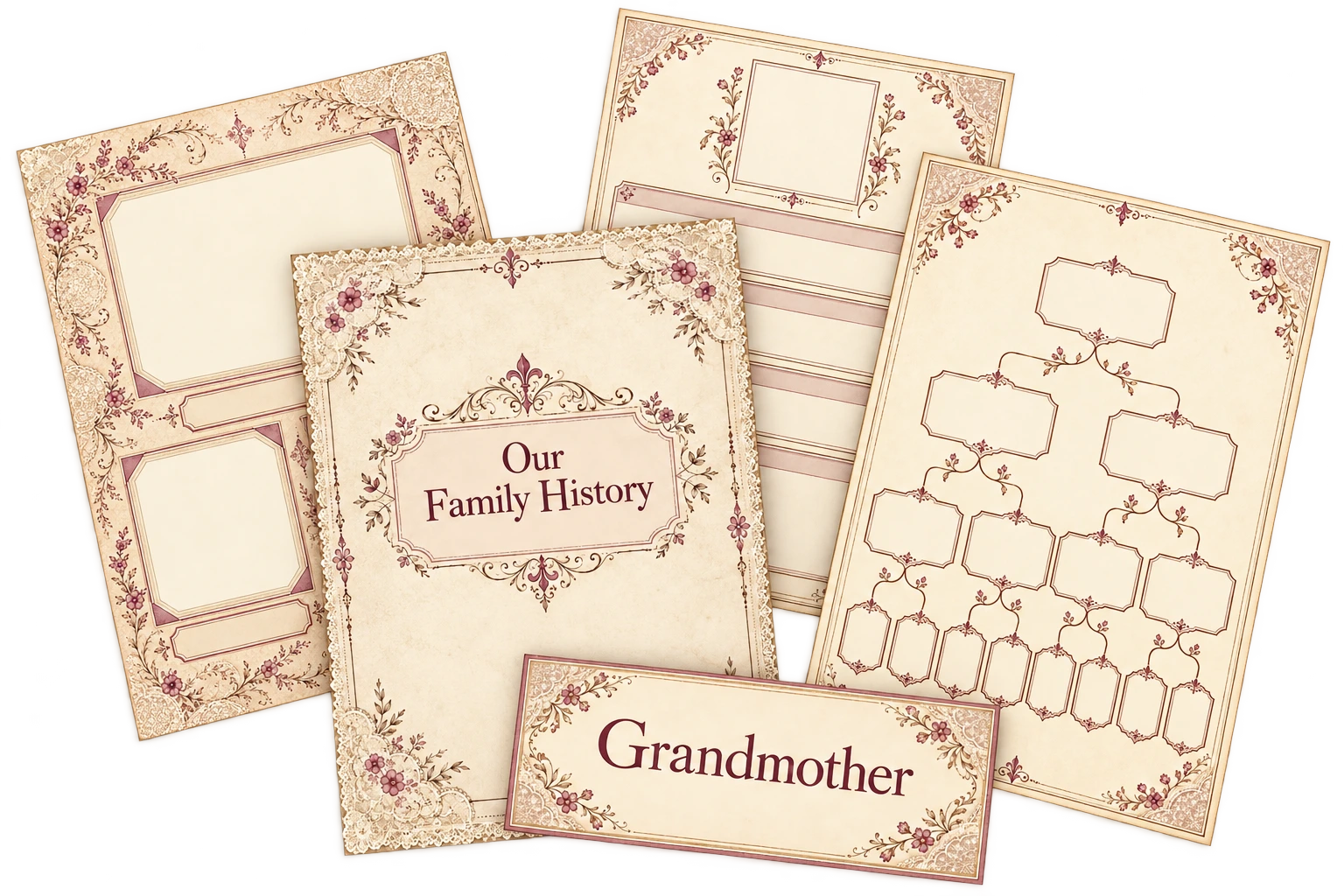
Fine printed lace, ivory space and restrained flourishes for heirloom family records. Choose Original, Blue Stationery or Heirloom Green.
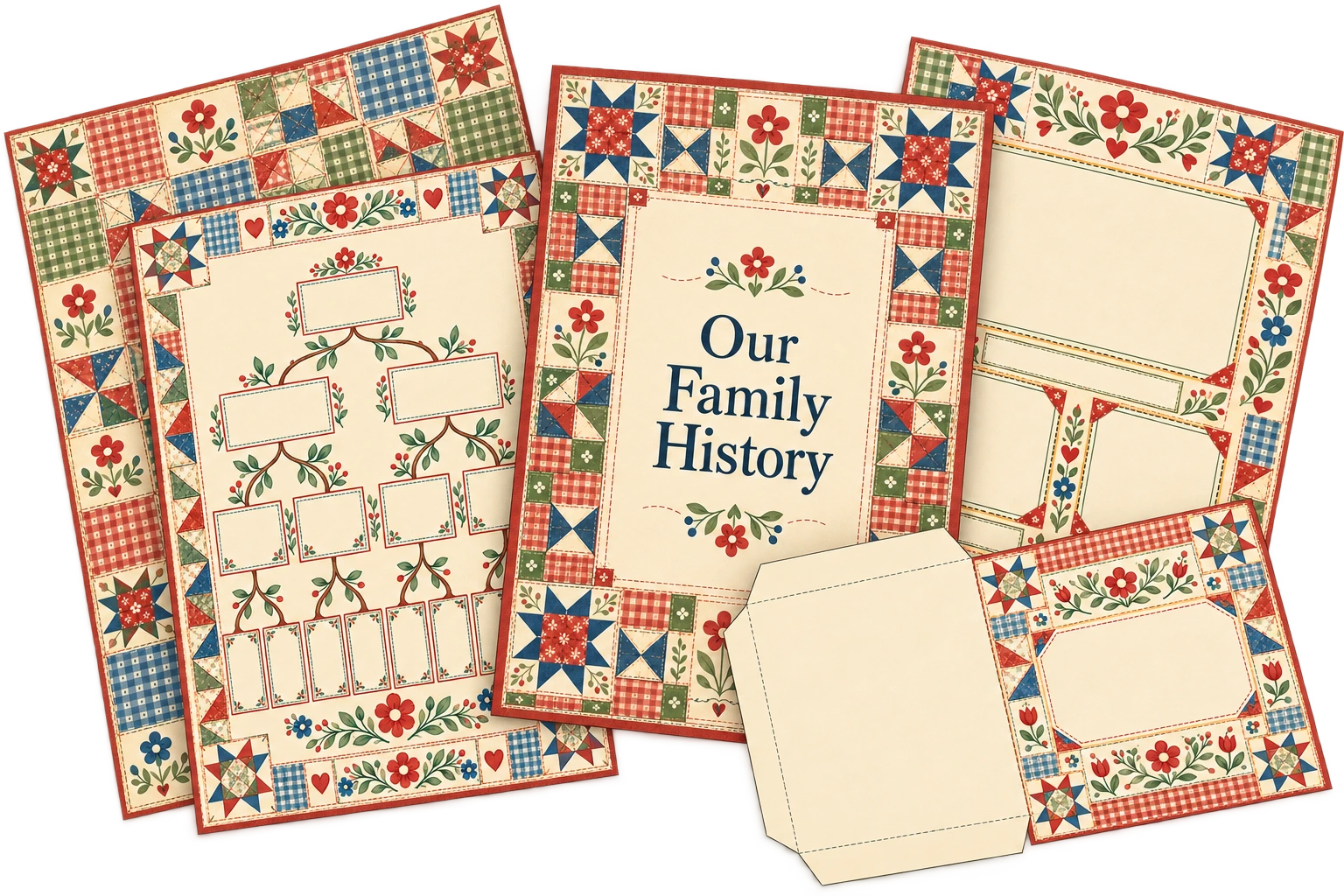
Patchwork, gingham and folk-art flowers for warm family keepsakes. Choose Original, Harvest or Soft Quilt.
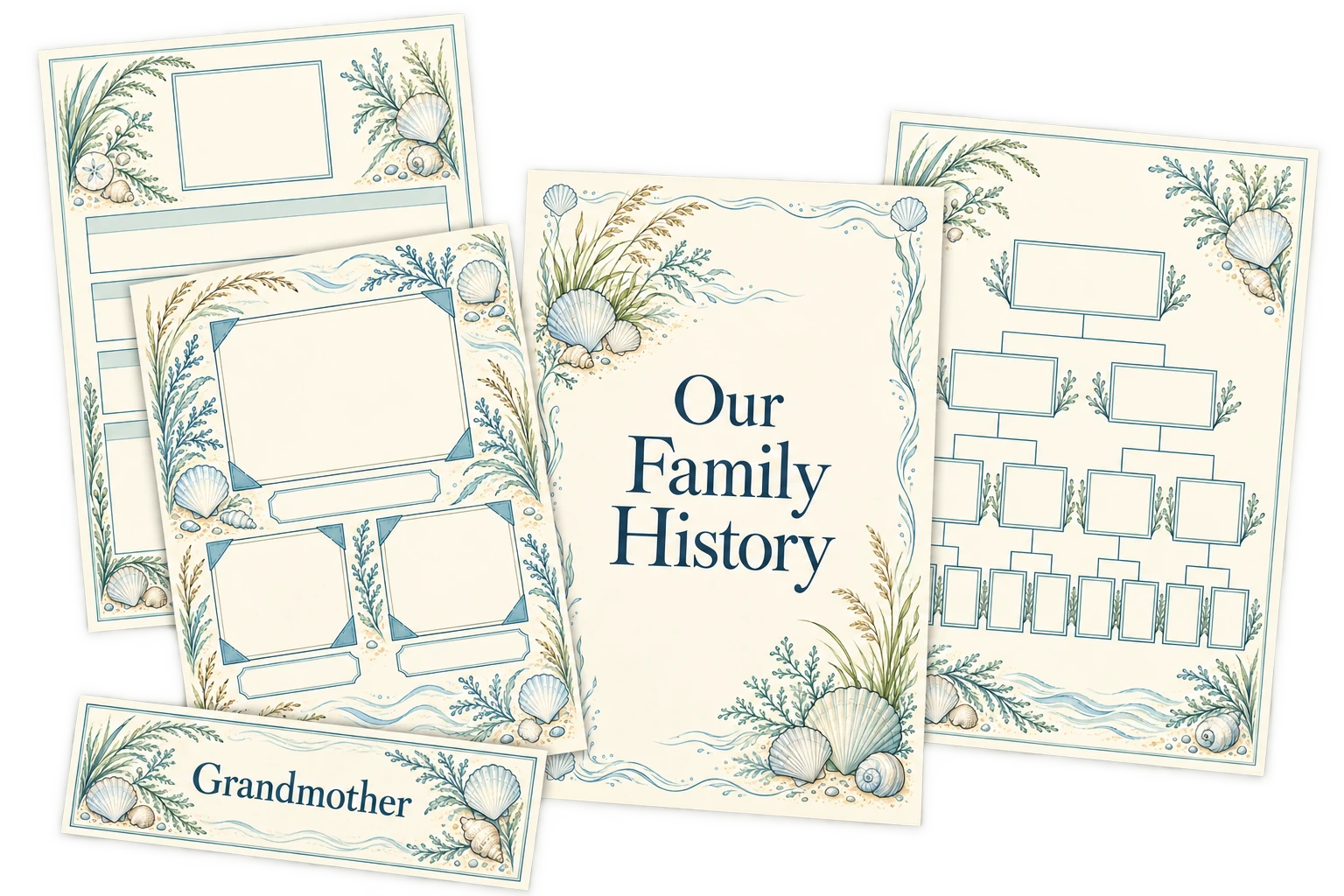
Shells, coastal plants and gentle washes for family memories by the sea. Choose Original, Harbour or Shell Pink.
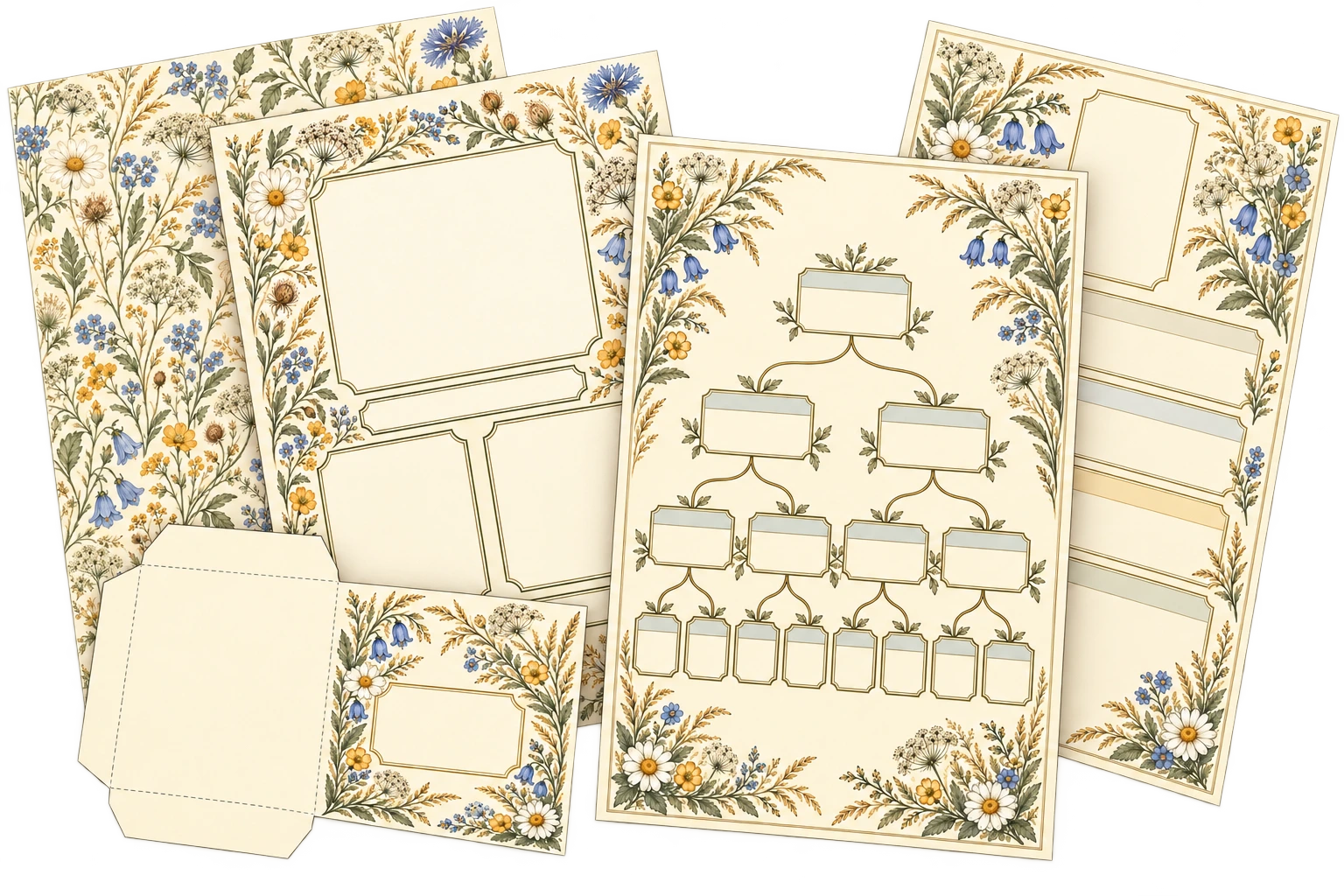
Meadow flowers, leaves and seed heads for nature-inspired family journals and records. Choose Original, Herbarium or Wildflower Study.
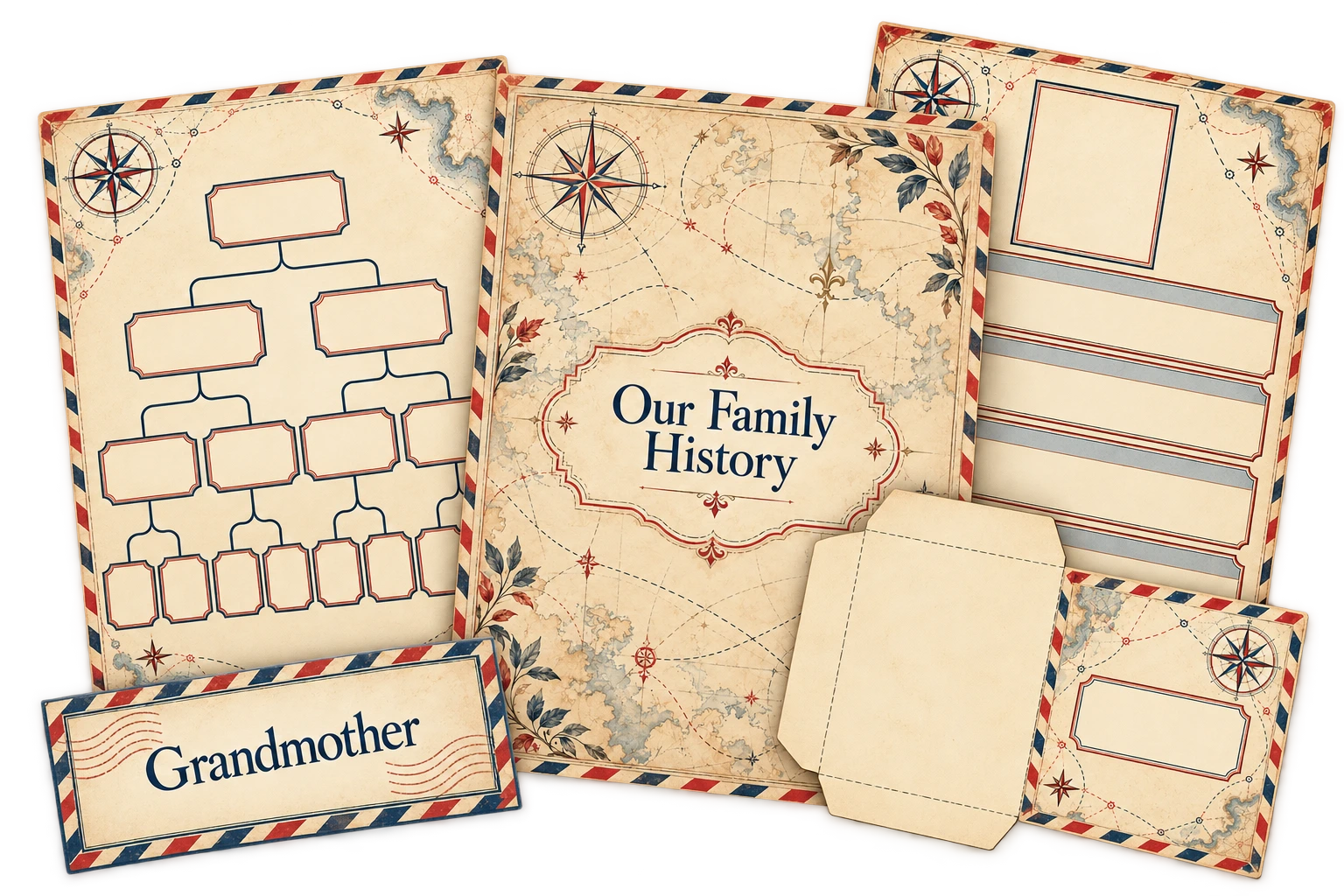
Maps, compass details and postcard edging for migration stories and family journeys. Choose Original, Railway Ledger or Postcard Blue.
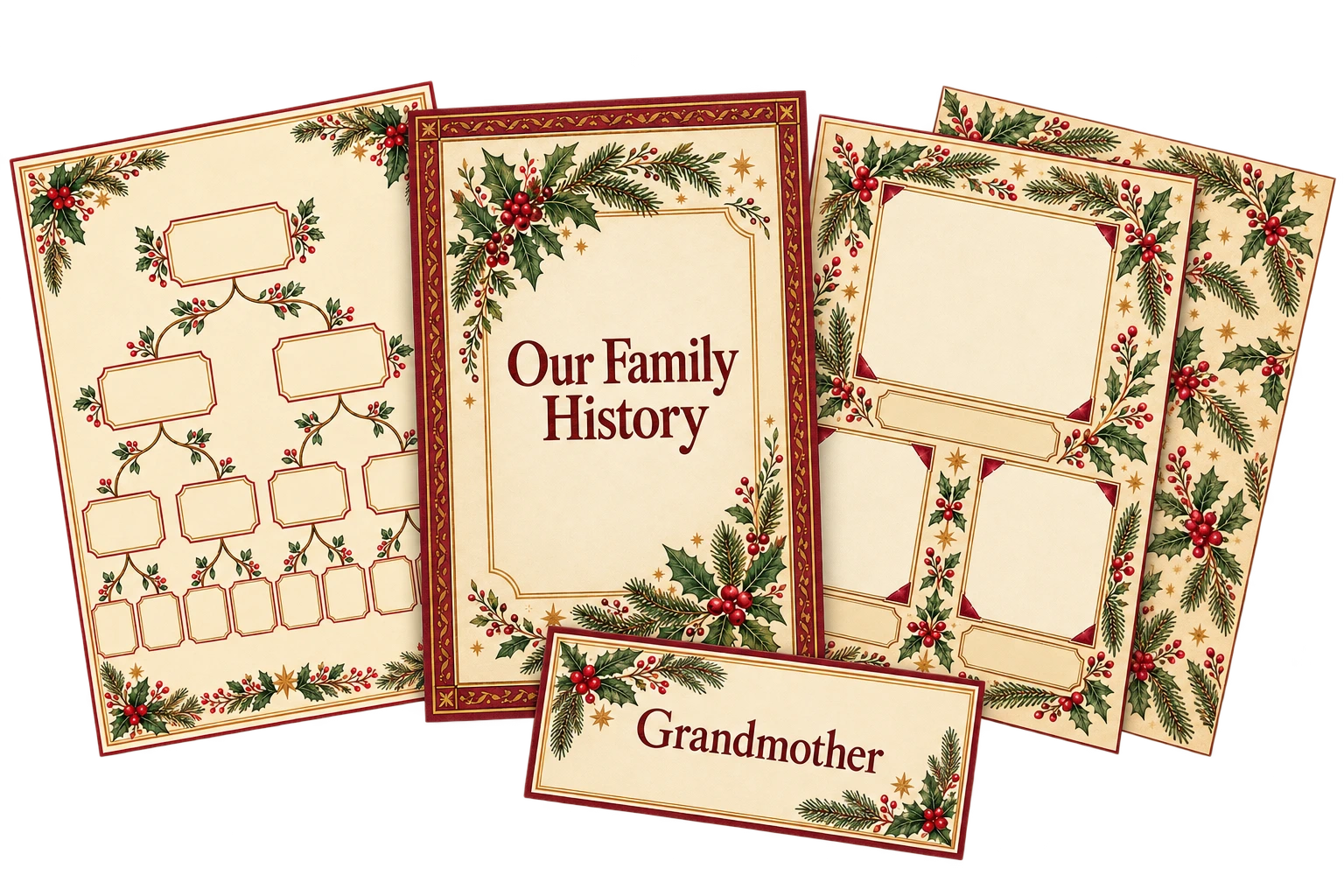
Holly, fir branches and vintage stars for Christmas memories and family traditions. Choose Original, Winter Blue or Faded Noel.
A selection of pieces created with the Studio’s prompts. Click a collection image for a closer look. AI results vary; check your artwork and prepare the final printable files before selling.
Start with the visual direction you love, then choose a color palette and decorative motif. Keep those choices across your kit for a coordinated collection.
Select a cover, photo page, label or any of the other printable types. The Studio shows the options relevant to that piece, so you can choose its layout, wording and practical details without working through settings you don’t need.
Your prompt updates as you make your choices. Copy it into your AI image tool and generate your first piece.
Once you have a result you like, use it as a visual reference alongside the prompts for your next pieces. Working in the same AI conversation helps carry your chosen look through the collection.
Check your artwork, add any headings you want in your layout editor and arrange your printable files at the intended size. Your customers can then add their own photographs, names and family stories.
Build a complete kit or choose a few pieces for a smaller, focused product.
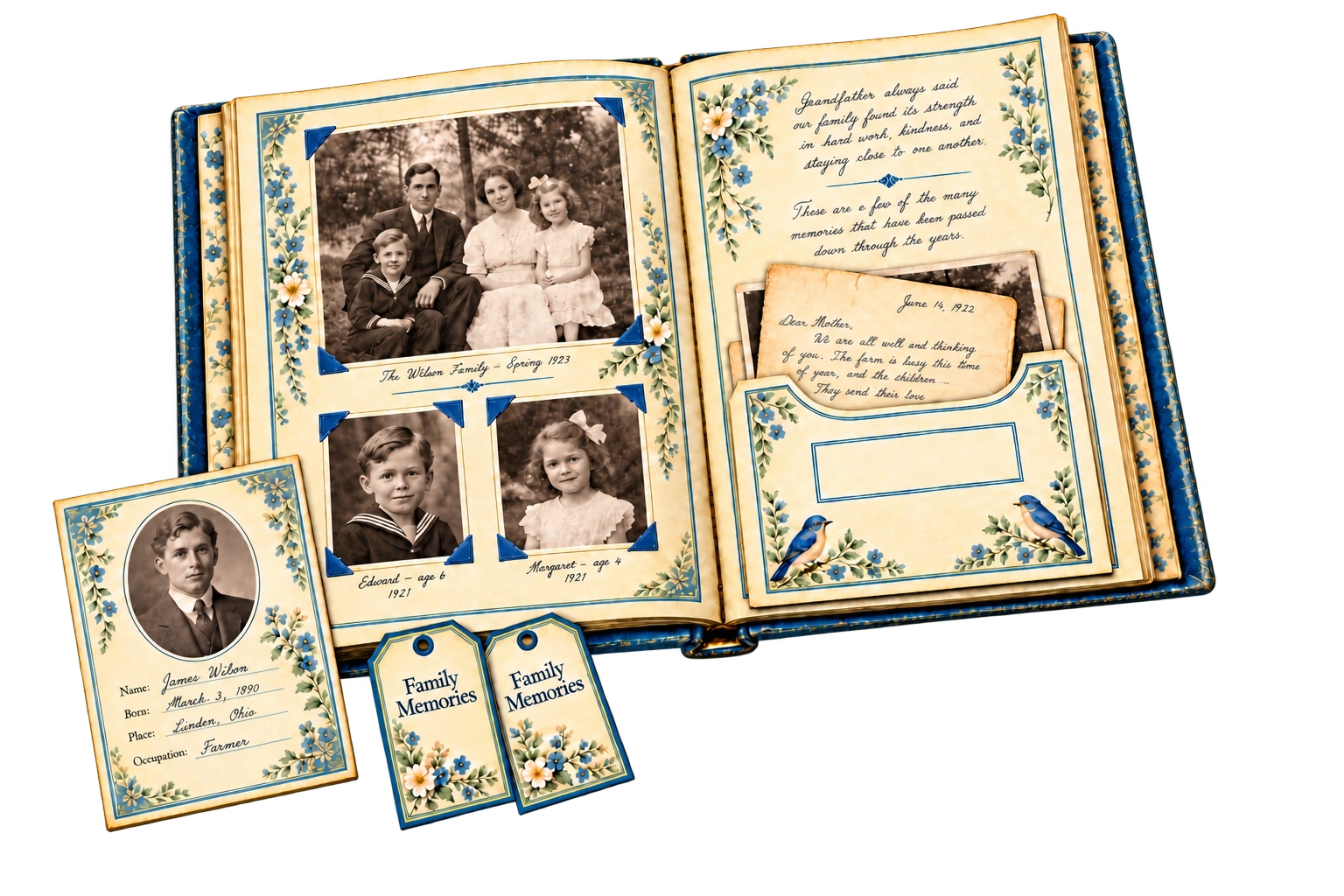
Explore twelve product ideas you can create with the Studio, from a beginner genealogy journal to a family reunion memory kit.
Each idea suggests which pieces to include and ways to make the product your own, helping you turn your favorite collection into something ready to develop for your shop.
Your next collection starts here
Your purchase includes:
One-time purchase. Unlimited Studio use. No upsells.
Use the Studio in your own business to create products for your shop, customer gifts or your own family projects. The Studio and supplied materials are for your own use and may not be shared, sold or redistributed. Commercial use of generated artwork is subject to the terms of your chosen AI tool.
Before you begin
The Studio creates customized prompts. You copy them into your chosen AI image tool to generate the artwork, then prepare your finished printables in a layout editor such as Canva.
No. Choose your collection and printable, then use the options to customize it. The Studio assembles the detailed prompt for you.
Genealogy Collection Studio is a one-time purchase with unlimited Studio use. It runs privately in your own browser, with no API keys required.
You copy the prompts into your chosen AI image tool, which applies its own costs, usage limits and privacy terms.
Yes. You may sell or give away the finished products you create using the prompts, subject to your AI tool’s commercial-use terms.
The Studio, guide and bonus are for your own business use. They may not be shared, resold or redistributed.
AI results vary. For stronger consistency, keep one conversation for each collection and palette, and supply an approved piece as a visual reference alongside each new prompt if the style starts drifting in any way. Check the results as you build your kit.
You’ll need to check the artwork and prepare the final files. This may include adding headings, checking resolution and print dimensions, or arranging smaller pieces on printable sheets. Pocket and envelope designs also need a plain-paper assembly test.
The Studio is designed around family history, but many pieces also suit memory keeping, scrapbooking and keepsake stationery. Covers, photo pages, papers, labels and journaling cards can be combined for different types of products and niches.
Create a genealogy journal, a family-history album kit or a collection of keepsake printables your customers will love making their own.
Choose your look, customize your pieces and let Genealogy Collection Studio handle the prompts. With nine styles and twelve printable types to combine, you’ll have plenty of possibilities for your next product—and the one after that.
Get Genealogy Collection Studio for $22 →